
Switch off a server or tool in an emergency
Two tools are for an incident, both under Administration in the portal:
| Tool | Cuts | Add | Remove |
|---|---|---|---|
| Emergency switches | One server, or one tool, for everyone | No second factor | Fresh MFA |
| Overrides | Whatever one Cedar forbid policy describes |
No second factor | Fresh MFA |
Adding needs no second factor on purpose: an incident does not wait for it. Removing widens access again, so it needs a fresh MFA (a login with the second factor within the last 5 minutes).
Switch off a server or a tool
Section titled “Switch off a server or a tool”- Open Administration, Emergency switches.
- Under Switch off a server or tool, choose the Server. Leave Tool at Whole server, or choose one tool.
- Enter the Reason, 1 to 200 characters. Administrators see it on the list. It does not go to the audit logs.
- Select Switch off and confirm Switch off now?.
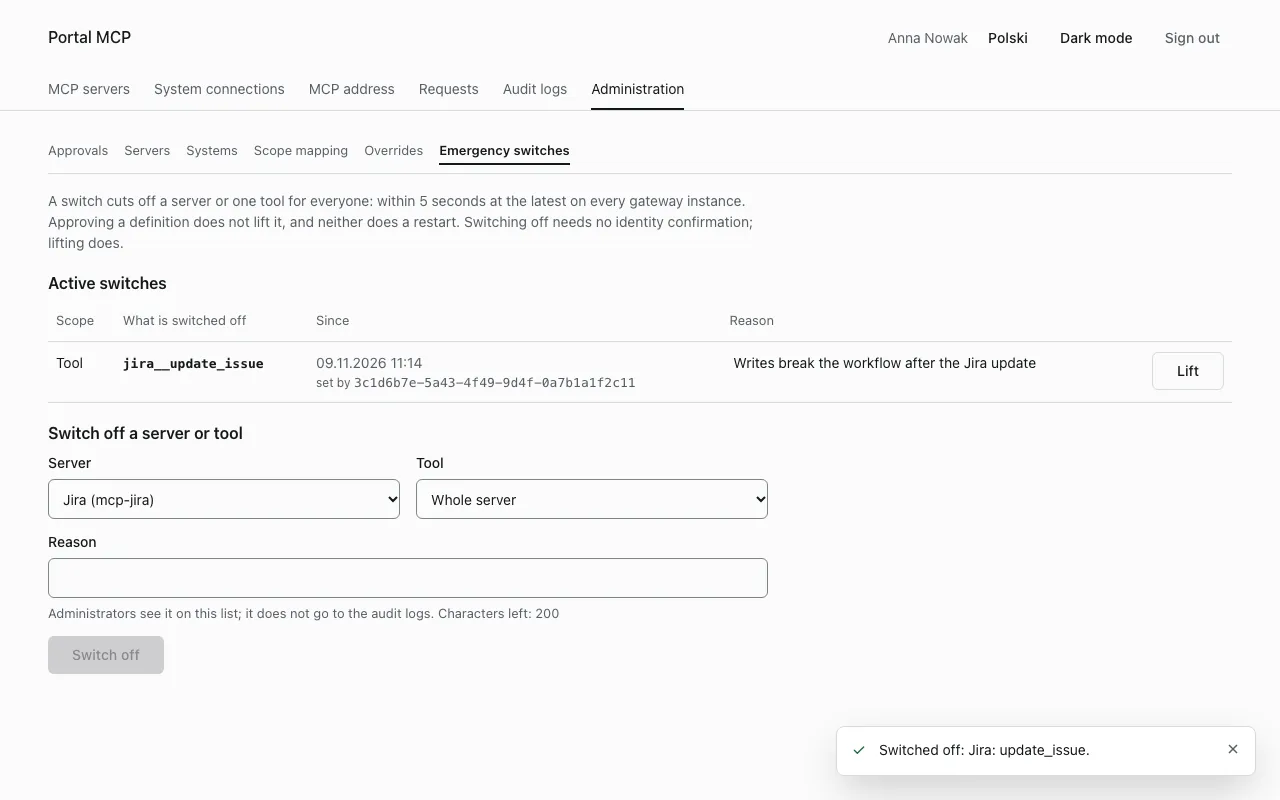
Within 5 seconds at the latest, on every gateway instance:
- The tool, or all tools of the server, disappear from
tools/listand from the catalog. - A call is refused with
tool_disabledand the audit reasonkill_switch. A user who may not call the tool anyway still getsnot_found_or_denied. - Calls that have already started are not interrupted.
The switch is stored in the gateway database. It survives a restart, the approval of a definition and a new manifest. Only a lift removes it.
Lift a switch
Section titled “Lift a switch”- In Active switches, select Lift in the row of the switch.
- Confirm Lift the switch?.
- If your last login with the second factor is older than 5 minutes, the portal sends you to the identity provider. Sign in with your second factor. You return to the page, and the portal lifts the switch you picked.
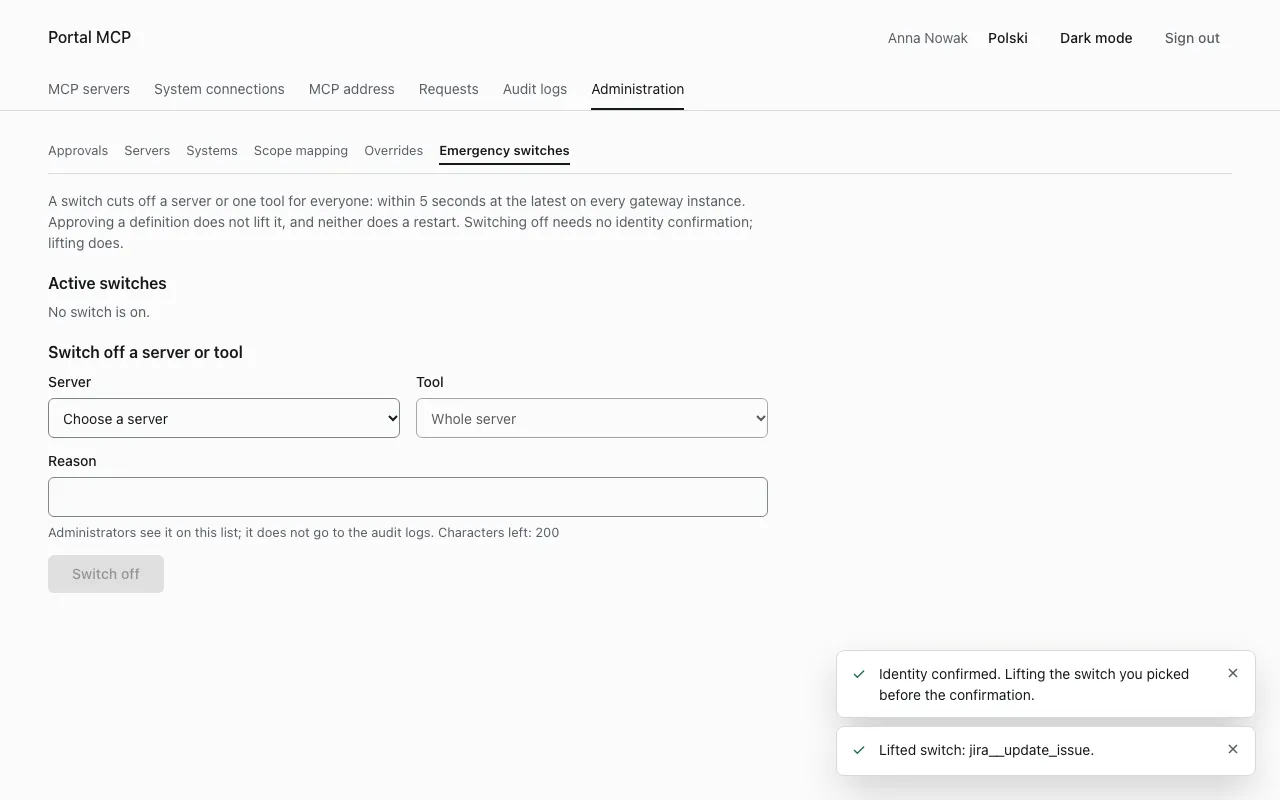
If someone lifted the switch and set it again while you confirmed your identity, nothing is lifted and the portal shows the new reason. Check it and lift again.
Lifting a tool switch does not lift the switch of the whole server, and the other way round. After the lift, a tool that is still pending approval stays hidden.
If a gateway instance cannot read the state of the switches, it refuses every call with upstream_unavailable, lists no tools and answers the catalog with 503. It never trusts a cached value older than 5 seconds. The gauge mcp_gateway_kill_switches_unreadable is 1 while the state is unreadable, which is a good alert.
Overrides
Section titled “Overrides”An override is one Cedar policy that only forbids. It applies to the decision of the gateway on a call, to all servers or to one server, and every instance reads it within seconds. Use it when a switch is too coarse, for example to block one tool name across all servers.
- Open Administration, Overrides and select Add override.
- Enter the Identifier. The portal adds the prefix
override-. Use lower case letters, digits and hyphens, up to 55 characters. - Choose the Target: Gateway (the decision on a call), All servers or One server (then choose the Server).
- Enter the Policy (Cedar, one forbid). Start from a template fills in a starting point. The
@idannotation must equal the identifier with its prefix. For the gateway the policy decides thecallaction on a tool. For a server it must not mention tools or thecallaction. - Select Save.
Example for the target Gateway, which blocks every call of a tool named drop_table:
@id("override-block-drop-table")forbid (principal, action == Action::"call", resource is Tool)when { resource.name == "drop_table" };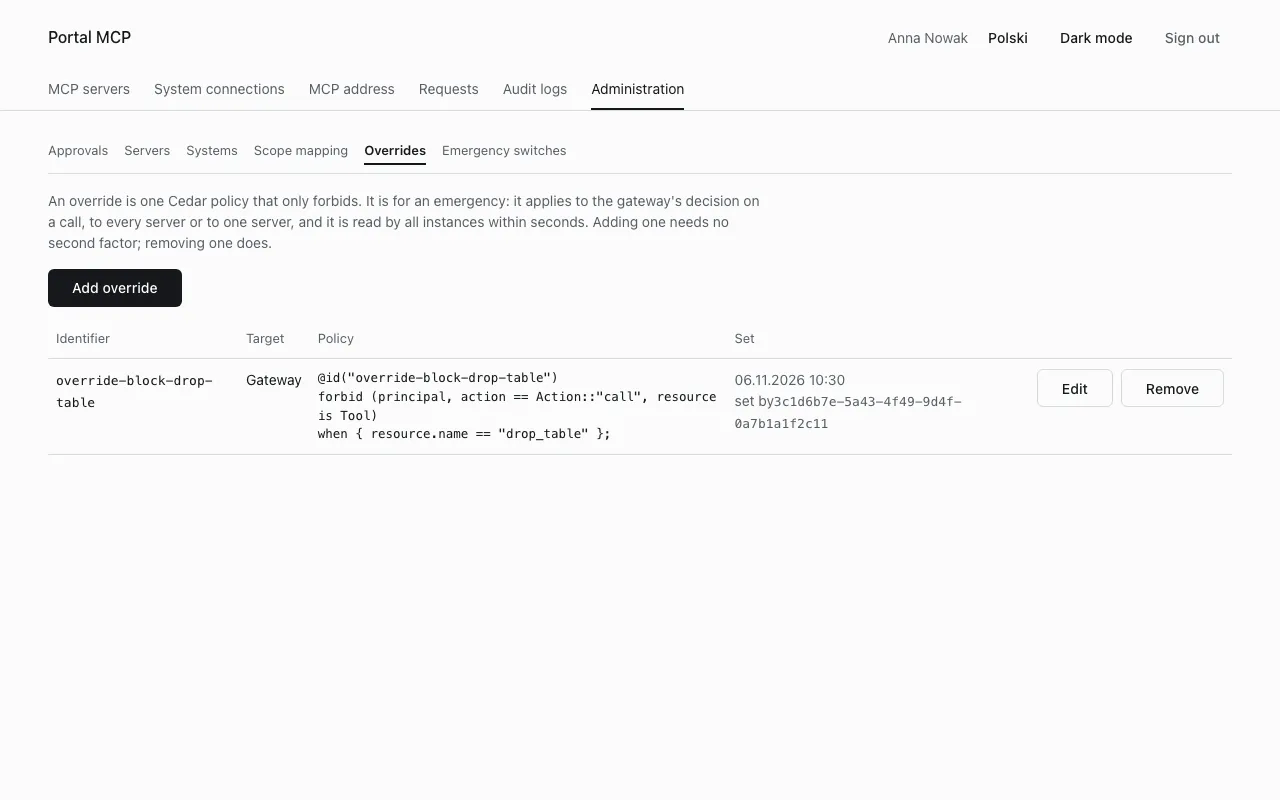
The gateway refuses a policy that grants (permit), a template or more than one policy in the text. Replacing an override with Edit and removing it with Remove need a fresh MFA, and the portal brings you back to the form after the confirmation. After a removal, what the override forbade is possible again as soon as every instance has read the change.
Audit: the gateway writes admin_change with the reasons kill_switch_set and kill_switch_cleared for switches, and override_set and override_removed for overrides, with the user id of the administrator (see Audit).